
Document Processing Automation: Stop Retyping What You Already Received
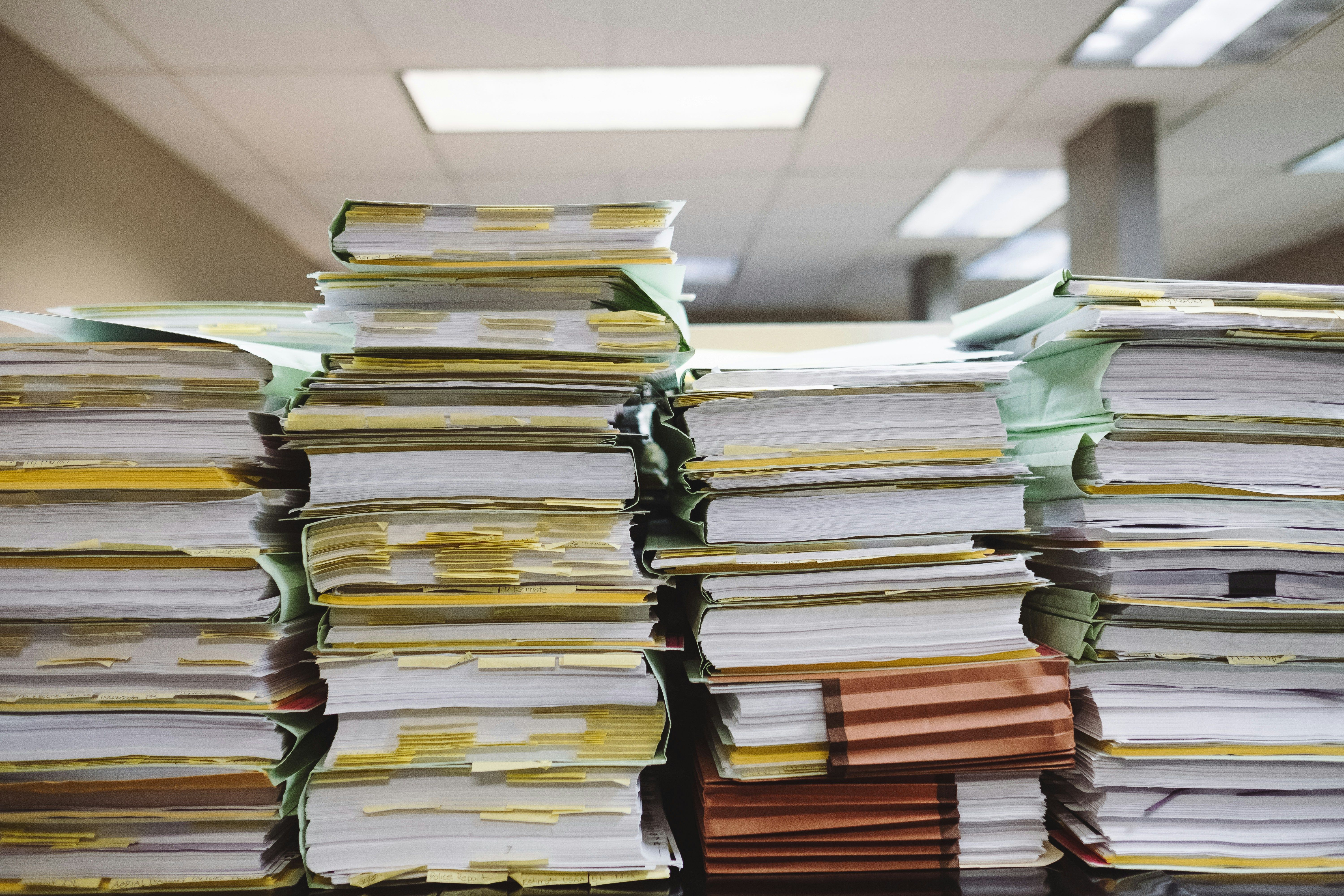
- Ardent Partners' 2025 AP Metrics That Matter research puts the average cost of processing a single invoice at $9.40, with best-in-class organizations at $2.78. The gap is almost entirely process design rather than software brand.
- The same research reports an average processing time of roughly 9.2 days per invoice, with approvals as the main bottleneck, and organizations without automation running materially slower still.
- Extraction accuracy is no longer the constraint. In 2025, invoice exceptions became the top challenge reported by AP leaders for the first time in nineteen years of that study. The bottleneck moved from reading documents to handling the ones that do not match.
- Document automation runs in two directions and most content only covers one. Pulling structured data out of documents you receive, and pushing finished documents back out to customers, are the same pipeline reversed.
- The step that decides whether any of this works is not the model. It is the confidence threshold: what the system does when it is unsure, and whether an uncertain field stops for a human or passes silently into your books.
Your business already received the data. It arrived on a supplier invoice, a bank statement, a signed form, a delivery note. Somebody then read that document and typed its contents into a system, which is the part worth noticing: the information was already digital, already structured enough to print, and a person still acted as the conversion layer between one machine and another.
Ardent Partners' 2025 research puts the average cost of processing a single invoice at $9.40 against $2.78 for best-in-class organizations, and the difference is not that top performers bought better software. It is that they removed the human conversion step for the documents that do not need one, and kept it for the documents that do.
This post covers how a document pipeline is actually assembled, which decision matters most, and the direction most articles on this topic leave out entirely.
Direction one: getting data out of documents you receive
A working extraction pipeline is four stages, and only one of them is the part people think about.
Ingestion. Documents arrive by email attachment, upload, shared folder, or scan. The pipeline needs a single front door, because a process that only works when someone remembers to save the file in the right place is not a process.
Classification. Before anything is read, the system establishes what it is looking at. An invoice, a statement, a receipt, and a delivery note need different treatment, and getting this wrong produces confident nonsense downstream.
Extraction. The document is read and specific fields are pulled out: amounts, dates, line items, account numbers, reference codes. This is the stage that gets all the attention and is now the least likely to fail. Vendors market this layer under different names depending on the document, so invoice data capture, invoice data extraction, receipt data extraction, and bank statement data extraction all describe the same mechanism pointed at a different form.
Validation and write-back. Extracted values are checked against what the business already knows, then written into the system that owns them. A supplier invoice gets matched to a purchase order. A bank transaction gets matched to an expected payment.
Automated data entry is the outcome, but the pipeline is what produces it, and a system that only does the third stage well is not one. We built exactly this chain for a client whose bookkeeping ran on documents. The financial document reader reads uploaded bank statements and invoices, pulls the exact transaction data, and writes it into the database with no human retyping in between. Once that data is in the right place from the start, the double data entry problem downstream mostly disappears, because there is no second system waiting for someone to copy the numbers across.
Direction two: getting finished documents back out
Most writing on this topic stops at extraction. That leaves out half the pipeline, and often the half a client notices first, because it is the half the customer sees.
Documents your business produces (reports, packing slips, inspection write-ups, statements, proposals) are the same problem reversed. Instead of structured data trapped in a document, you have structured data that needs to become one, formatted consistently and produced without someone assembling it in a word processor.
The mechanics mirror the extraction side. A trigger event, a template, a data merge, and a delivery step. If your outbound documents are currently assembled in a spreadsheet, this is also the point where you automate Excel reports out of existence rather than making them faster to produce. The difficulty is not generating a PDF, it is handling real content: variable numbers of line items, dozens of photographs, sections that appear only in some cases, and layouts that have to stay readable regardless.
Our inspection report build turns a completed field form, including a large set of photographs, into a formatted multi-page report automatically. The report that used to be assembled by hand after every job now exists by the time the technician leaves the site. Same pipeline as extraction, running the other way.
The decision that actually determines whether this works
Not the model. Not the vendor. The confidence threshold.
Every extraction system produces a confidence score alongside each value it reads. The question that decides whether your pipeline is an asset or a liability is what happens to a low-confidence field. There are three honest options:
-
Pass it through anyway. Fastest, and appropriate only where a wrong value is cheap and self-correcting.
-
Hold the document for review. Safe, and the right default for anything touching money, compliance, or a customer-facing commitment.
-
Hold the field, pass the document. The best answer in most cases: the eleven fields the system is sure about go through, and the one it is not sure about waits for a person.
This is where the Ardent finding about exceptions becomes practical. When invoice exceptions become the top reported challenge across an industry, it means extraction stopped being the bottleneck and matching became it. The documents that read perfectly and match nothing are the ones that consume the time. Designing for that case first, rather than optimizing accuracy on the easy documents, is what separates a pipeline that reduces work from one that relocates it.
The same principle applies to the volume you have already accumulated. Our warehouse cleanup build dealt with the backlog side of this: thousands of leftover files and stale records that no single person could clear by hand, removed in bulk and then prevented from re-accumulating.
What to automate first
If you are starting, sequence by volume and consistency rather than by which document annoys you most.
High volume, consistent format is where automation pays immediately. Supplier invoices from a small number of regular vendors, bank statements, recurring delivery notes. This is also where the question of how to automate data entry has the cleanest answer, because the layouts repeat often enough to validate against. The layouts repeat, so validation rules are easy to write and confidence stays high.
High volume, inconsistent format comes second. Invoices from hundreds of one-off suppliers, or forms filled in by hand. Worth doing, but expect a real review queue and budget for it rather than being surprised by it.
Low volume, high stakes usually should not be automated at all. If you process four of something a month and each one carries legal or financial weight, a person reading it carefully is both cheaper and safer than a pipeline nobody has enough repetitions to trust.
What stays human
Exception handling stays human, and it should be designed as a real queue with an owner rather than an inbox somebody checks when they remember.
Anything where the document is the decision stays human. A contract, a claim with an ambiguous description, a dispute. Extraction can prepare those for a person by pulling out the relevant fields, but it should not resolve them.
And the review threshold itself stays a human judgment. How confident is confident enough is a business risk decision, not a technical setting, and it should be revisited once you have real data on what the system gets wrong rather than fixed at whatever the default was on day one.
Related reading
If your document pain is concentrated in bookkeeping specifically, the accounting workflow tasks worth automating first covers the invoice-to-payment matching side from a firm's perspective. The downstream half of the same problem, getting paid once the paperwork is right, is in invoice follow-up automation. And the reason document automation pays twice over is covered in double data entry: data captured correctly once does not need reconciling later.
Frequently asked questions
What is document processing automation?
Document processing automation is a pipeline that takes documents your business sends or receives and handles them without a person retyping their contents. On the inbound side it ingests a document, classifies what type it is, extracts specific fields such as amounts, dates and line items, validates those values against records you already hold, and writes them into the system that owns them. On the outbound side it does the reverse, turning structured data into a formatted document such as a report, statement, or packing slip. It is a data movement and validation system, not a decision-making one, and well-designed versions route anything uncertain to a person rather than guessing.
How much does manual document processing cost?
For invoices specifically, Ardent Partners' 2025 AP Metrics That Matter research puts the average cost of processing a single invoice at $9.40, with best-in-class organizations reaching $2.78 and average processing time running around 9.2 days. To estimate your own figure, add your fully loaded labor cost for the people handling documents plus any related systems cost, then divide by your monthly document volume. The result is usually higher than expected because the calculation includes chasing, correcting, and re-checking, not just the initial typing.
Is OCR automation accurate enough to trust with financial documents?
Modern extraction is accurate enough that accuracy is rarely the limiting factor, which is why invoice exceptions rather than capture errors became the top reported challenge among AP leaders in 2025 for the first time in nineteen years of that research. The more useful question is what the system does when it is uncertain. A well-built pipeline returns a confidence score for every field and routes low-confidence values to a human while letting the rest through, so the failure mode is a short review queue rather than a wrong number in your accounts. A pipeline with no confidence threshold is risky regardless of how accurate its extraction is.
Which documents should not be automated?
Low-volume, high-stakes documents are usually better left manual. If you handle a handful of contracts or complex claims a month and each carries legal or financial consequence, a person reading carefully is cheaper and safer than a pipeline that never gets enough repetitions for anyone to calibrate trust in it. Documents where the content is genuinely a judgment call, such as a disputed claim or a negotiated agreement, should have their fields extracted to save reading time but their decisions left with a person. Automation is best suited to documents that are frequent, structurally similar, and where correctness can be checked against something you already know.
Think this might apply to your business?
Get the $250 Automation Audit